
Mastering Dynamic Range: Compression Done Right
- jgoeh1
- May 13, 2025
- 2 min read

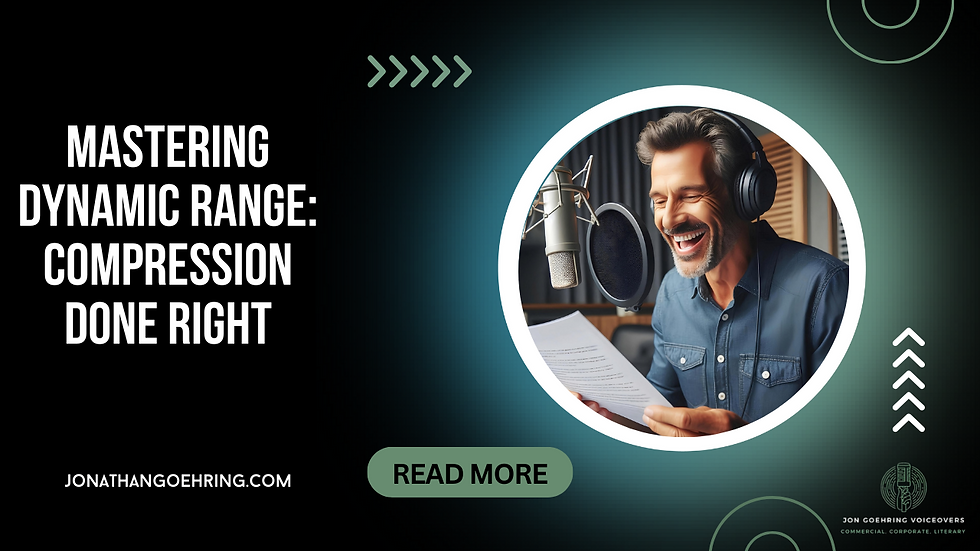
Dynamic range: the difference between the quietest and loudest sounds in your recording.
It's an essential part of good audio.
Too much dynamic range, and your listeners will have to constantly adjust the volume.
Too little, and your voice can sound flat and lifeless.
So, how do you strike the right balance? The secret sauce is compression. Here’s how to use it without ruining your audio.
1. What is compression, anyway?
Compression reduces the volume of the loudest parts of your recording, making the quiet parts a little more prominent in comparison. Think of it like a volume knob that automatically adjusts as you speak.
Why it’s important: Compression prevents your listeners from blowing out their eardrums when someone suddenly raises their voice, and it keeps your quieter moments from getting ignored because the volume is too low.
2. Set the right threshold
The threshold is the point at which your compressor kicks in. If you set it too high, the compressor won’t do anything... your loud peaks will still be loud. If it’s too low, it can squash your audio, making it sound unnatural.
How to do it: Start by setting your threshold just below the level of the loudest parts of your recording. A good rule of thumb is around -10 to -15 dB for voice recordings. This way, the compressor only engages when things get too loud.
3. Adjust the ratio to control the intensity
The ratio controls how much compression is applied once the signal goes above the threshold. A 2:1 ratio means that for every 2 dB above the threshold, the output will only be 1 dB louder. A 4:1 ratio, as another example, is a bit more aggressive.
How to do it: For voice, a ratio of 2:1 or 3:1 is usually a good starting point. It’s enough to smooth out the peaks without making the audio sound like a robot. Go too high, though, and your voice can lose its natural dynamics, which sounds weird and flat.
Compression is your friend when it comes to controlling dynamic range, but like anything, moderation is key.
The goal isn’t to make your voice sound completely uniform... you just want to keep it from being too jarring or quiet. Play around with your settings, trust your ears, and you’ll soon find that sweet spot for a polished, professional sound.


Comments